Software Solutions
Professional utilities engineered to streamline digital audio archiving, database management, and DJ workflows.
Library Fixer Pro
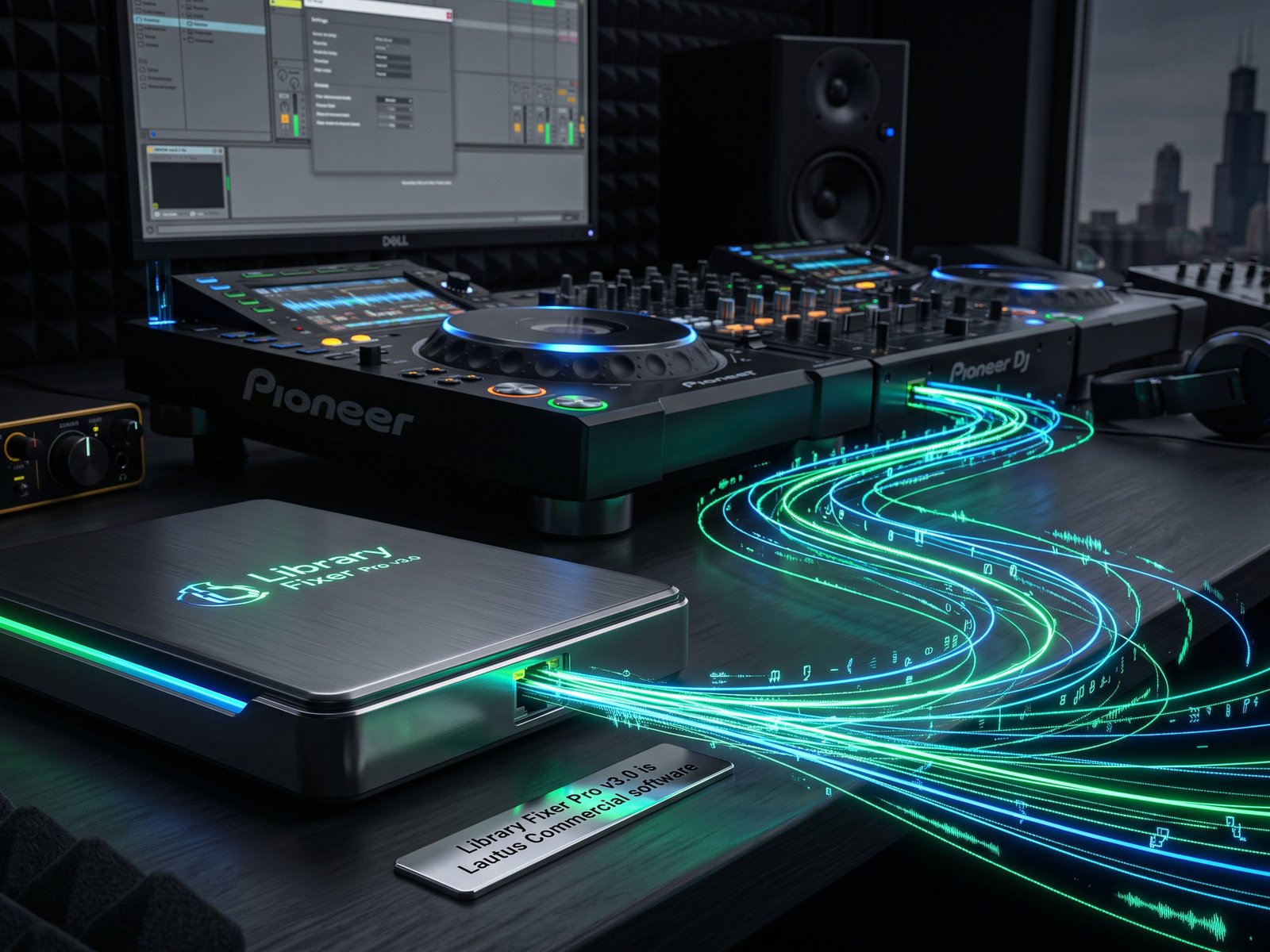
A standalone Windows desktop utility that automatically repairs broken file paths in iTunes XML databases and M3U playlists. Stop manually relinking missing tracks—scan your backup FAT32 USB drives, cache the missing audio, and seamlessly restore your sets.
- Batch scan and recover missing AIFF and 320 kbps MP3 files across multiple drives.
- Export instantly playable M3U playlists or utilize "Pack & Go" for Master Folder consolidation.
- Bypass strict Apple database locks with intelligent drive-mapping and physical folder restoration.
Includes lifetime activation key and setup executable.
Quick Start Guide
Load Database
Select either your iTunes XML file or your standard M3U playlist. The app will parse it and instantly highlight any tracks with broken or missing paths.
Scan Backup Drive
Plug in your FAT32 USB drive and point the scanner to it. The app matches tracks and caches the new valid file paths in memory.
Export or Restore
Choose to physically copy files back to their original iTunes folders, or generate a fresh, working M3U playlist to drop right into your DJ software.
Frequently Asked Questions
Why can't I just restore to a brand new folder?
Apple heavily restricts the master iTunes database (the "Walled Garden"). Forcing a rewrite to a new master folder often corrupts the database completely. To keep your data safe, Library Fixer Pro either exports a standalone M3U playlist or physically restores the files exactly where iTunes expects them.
What audio formats are supported?
The software is optimized for standard DJ formats, specifically AIFF and 320 kbps MP3 files, ensuring full ID3 metadata and FAT32 USB compatibility for Pioneer CDJ setups.
Where do I enter my REDDIT20D2 promo code?
Once you click the "Buy Pro License" button, you will be directed to our secure Lemon Squeezy checkout. Look for the "Add discount" or "Promo code" link on the checkout summary screen to apply your 20% off code.
Join the Community
Get support, request features, and connect with other DJs and archivists on our official subreddit. Plus, grab your exclusive Guardian promo code!